URL to Video
Paste a link.
Get a video.
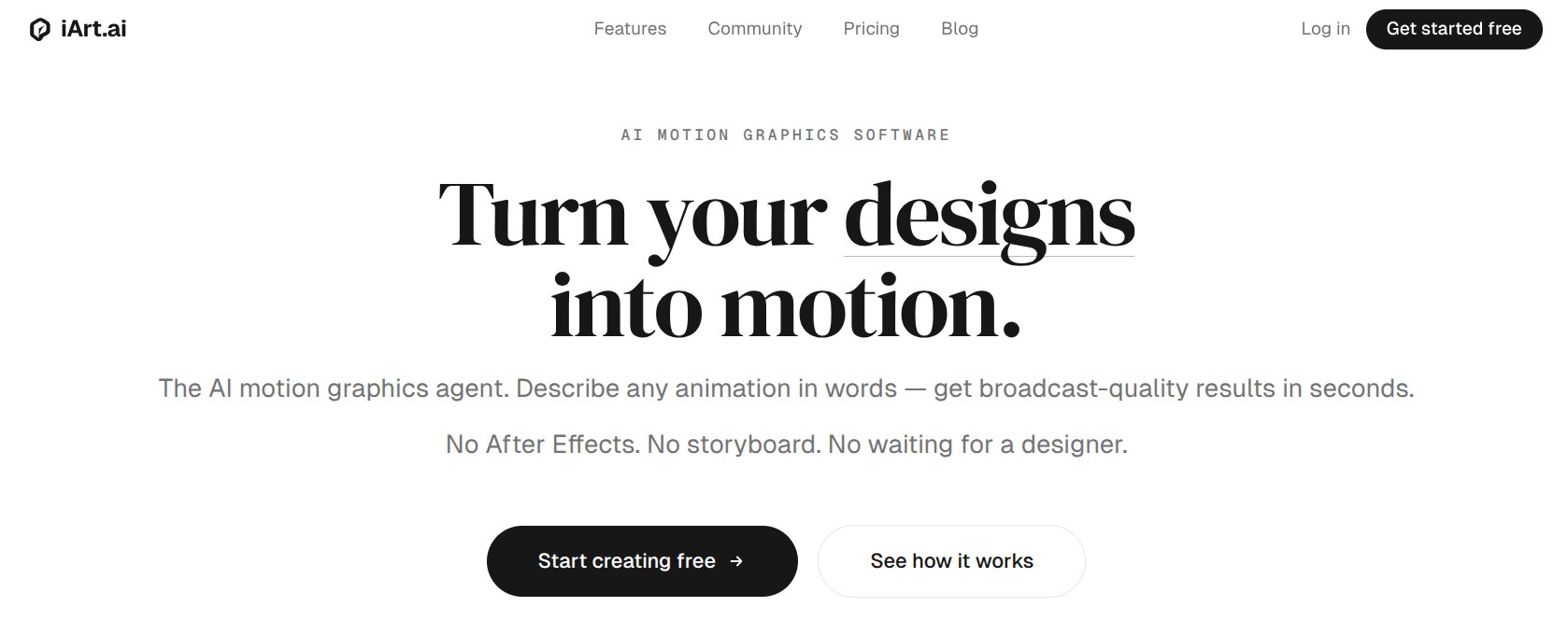
Turn any webpage into broadcast-quality motion graphics. Product pages, landing pages, blog posts — the AI reads your content and generates a professional animated video in a few minutes. Not templates. Not AI avatars. Real motion graphics.
Free to start · No credit card · $2 credit
2–4 weeks
Agency production per landing page video
vs
A few minutes
From URL paste to finished video on iArt.ai
What is URL to Video?
Your website already tells the story. Let AI animate it.
URL to Video by iArt.ai converts any webpage into a professional motion graphics video. You paste a link — a product page, landing page, blog post, SaaS homepage, or documentation site — and the AI reads the full page content: headlines, body text, images, data points, and visual structure. Within a few minutes, it generates a complete animated video with custom scene compositions, kinetic typography, data visualizations, smooth transitions, and color-matched aesthetics.
Unlike template-based tools that paste your screenshots onto generic slides, or AI avatar tools that generate a digital human reading your copy aloud, iArt.ai produces genuine motion graphics — the same visual format used by Apple keynotes, VOX documentaries, and top-tier product launches. Every output is original and code-driven, meaning you can iterate with natural language or fine-tune any parameter.
iArt.ai — an AI After Effects alternative built for non-animators — uses the same engine to power URL to Video. Traditional video production for a single landing page costs $3,000–$15,000 and takes 2–4 weeks. iArt generates the same caliber of output in a few minutes, for free. Works for explainer videos, product demos, social content, and every other scenario where a webpage has a story worth animating.
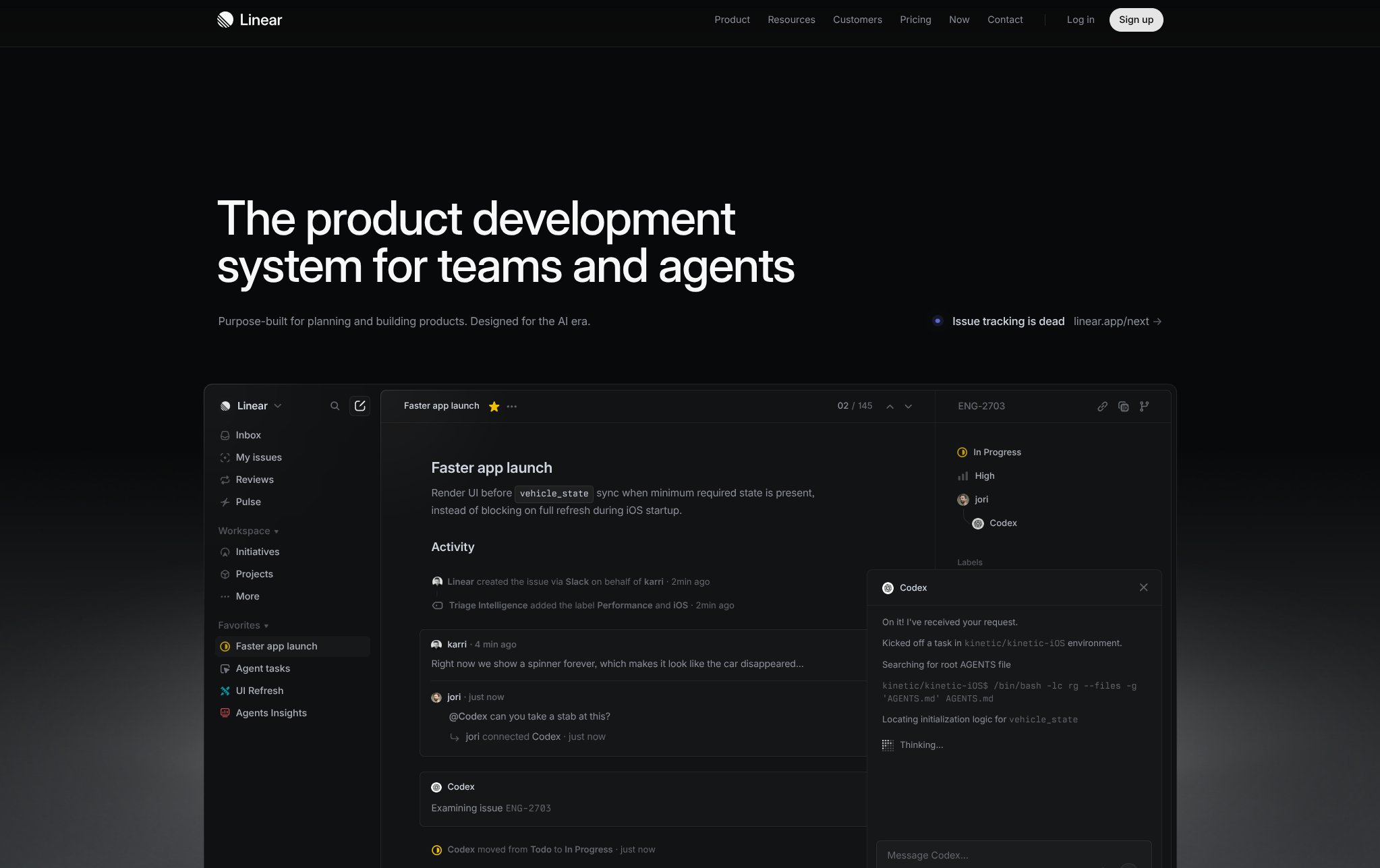
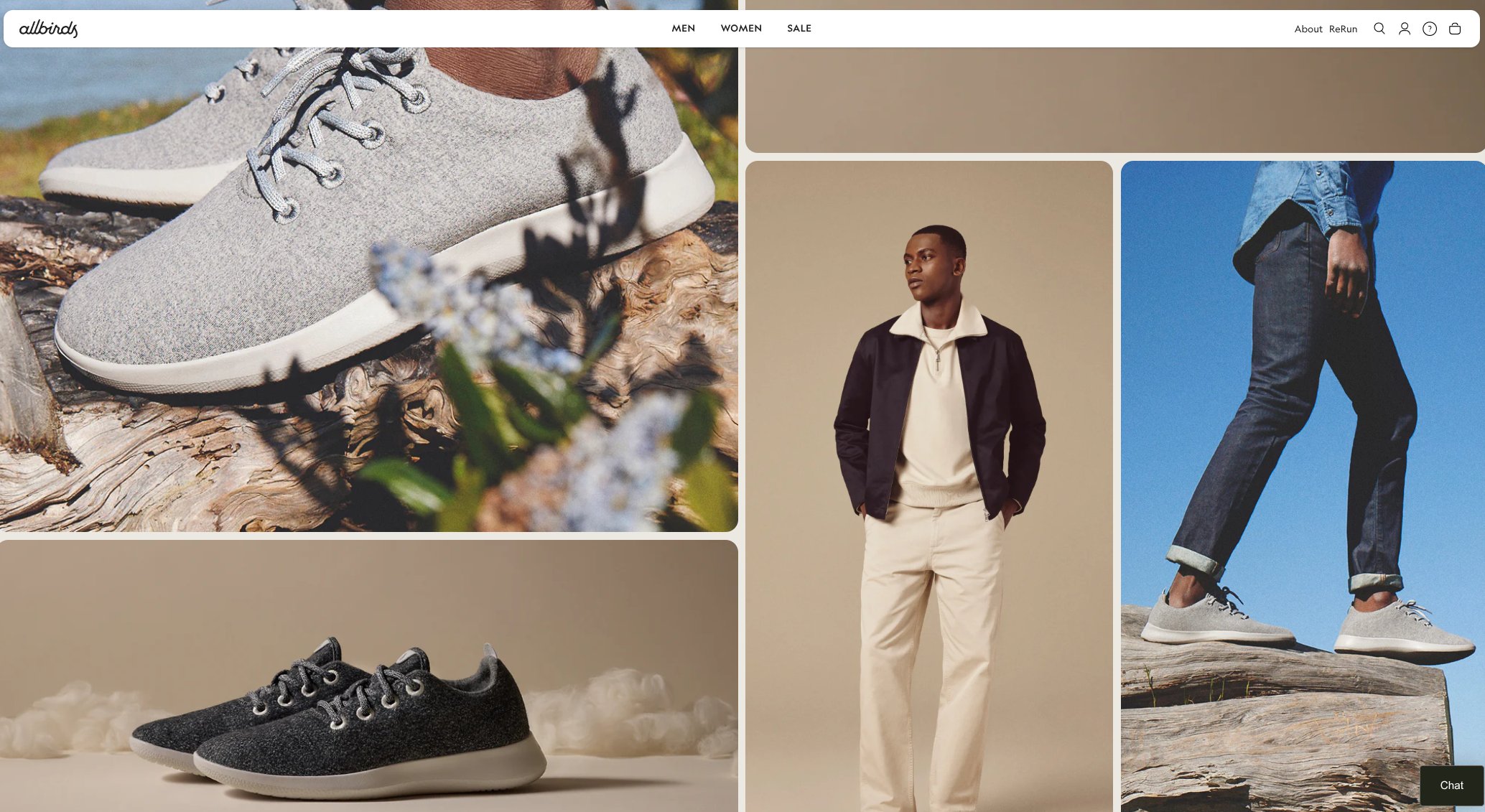
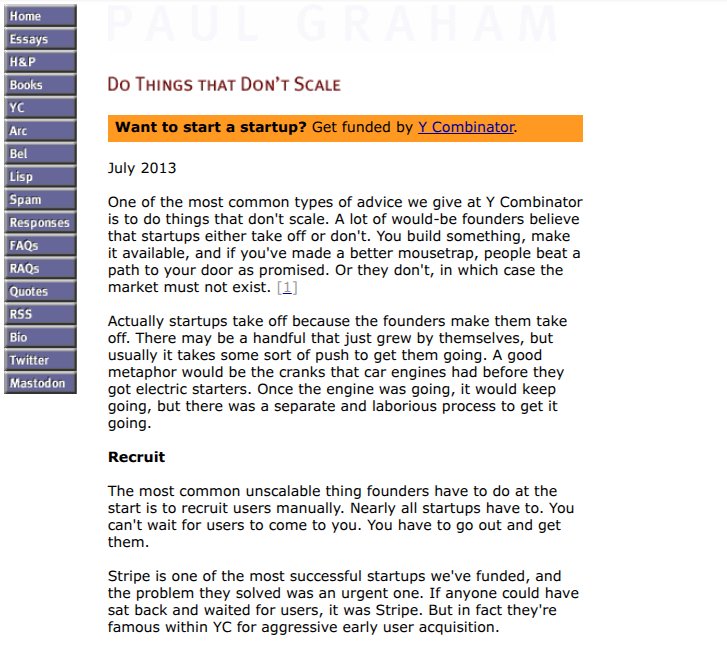
Before → After
From static page to motion graphics
Real websites, real output. Every video generated from a single URL — no editing, no post-production.
Template videos vs. motion graphics
The difference between a video that looks like every other AI ad and one that looks like it came from a production studio.
AI avatar reads your landing page
Your text and images get dropped into pre-built slide layouts. A synthetic human reads the copy. Every video follows the same formula.
- ✗ Pre-built templates, limited styles
- ✗ AI avatar as primary visual element
- ✗ Same transitions between every video
- ✗ No data visualization capability
- ✗ 1080p maximum resolution
AI generates original animation
Your content becomes the creative brief. The AI builds custom scenes, animates data, composes typography, and produces professional motion graphics from scratch.
- ✓ Every video is unique — no templates
- ✓ Animated charts, kinetic typography, custom scenes
- ✓ Cinematographic transitions and pacing
- ✓ Built-in data visualization engine
- ✓ 1080p on Pro, 4K on Ultra, animation written as code
How it works
Three steps. Zero editing.
No timeline. No storyboard. No plugins. Just a URL and a few minutes.
01
Paste your URL
Drop any publicly accessible link — a product landing page, SaaS homepage, blog article, documentation page, or e-commerce listing. The AI fetches the full page: headlines, body copy, images, metadata, and visual hierarchy. Optionally add a style prompt to guide the output.
02
AI generates motion graphics
iArt's engine processes the page content and builds a complete animated video: key messages become animated headlines, statistics become data charts, features become illustrated breakdowns. Scene composition, transitions, and typography are all generated in a few minutes.
03
Export or iterate
Download as MP4 — 1080p on Pro, 4K on Ultra. Aspect ratios: 16:9, 9:16, 1:1. Want changes? Describe them in natural language and get an updated version in a couple of minutes.
How iArt.ai compares
Multiple tools can turn a URL into a video. The critical difference is output quality — whether you get template-assembled clips or original motion graphics with the production value of a professional studio.
| iArt.ai | Creatify | TopView | Agency | |
|---|---|---|---|---|
| Method | AI motion graphics | Template + avatar | Template + UGC | Manual production |
| Time per video | A few minutes | 2–5 min | 3–10 min | 2–4 weeks |
| Visual style | Original motion graphics | Digital human + slides | UGC-style clips | Custom |
| Output uniqueness | Every video unique | Template look | Template look | Unique |
| Starting price | Free | $39/mo | $29/mo | $3,000+ |
| Data visualization | Built-in | No | No | Extra cost |
| AI iteration | Natural language edits | Re-generate | Re-generate | Revision rounds |
| 4K export | Yes, 4K on Ultra | 1080p | 1080p | Yes |
| Editable output | Code-driven, edit by describing | No | No | Project files |
Use cases
One URL, any scenario
Every webpage tells a story worth animating. Paste the link, optionally describe the angle, and the AI generates motion graphics that match your content and audience.
Product Launch Videos
Paste your product page URL. The AI extracts features, pricing, screenshots, and testimonials, then generates a polished launch video with animated UI walkthroughs and feature highlights. Traditional product videos cost $5,000–$20,000 — iArt generates them in a few minutes.
Landing Page Promos
Turn your landing page into a 30-second promotional video. The AI reads your headline, value proposition, social proof, and call-to-action, then builds a motion graphics sequence optimized for YouTube pre-rolls, TikTok, Instagram Reels, and LinkedIn feed.
Blog → Video Content
Convert long-form articles into animated summaries that reach audiences who prefer video over text. Key statistics become animated data charts, arguments become visual narratives with kinetic typography, and complex concepts become illustrated breakdowns.
Video Ads
Generate YouTube pre-rolls, TikTok ads, Google Ads video creatives, and Instagram Reels from any product or landing page URL. Create multiple A/B variants with different hooks and CTAs — all from the same source URL.
Education & Training
Convert documentation, courses, and knowledge bases into animated learning materials. Complex procedures become visual walkthroughs, compliance docs become engaging training videos with 7x higher retention than text.
Investor Pitches
Paste your homepage or pitch page. Get animated market size visualizations, growth charts, competitive positioning diagrams. Replace static slides with cinematic motion graphics that investors remember.
What types of URLs can I use?
Any publicly accessible webpage — landing pages, product pages, blog posts, documentation, e-commerce listings, SaaS homepages, portfolio sites, and company about pages. The AI fetches and analyzes the full page content including text, images, metadata, and structured data. Login-protected and paywalled pages are not supported. For optimal results, use pages with clear headings, structured content, and at least 200 words of body text.
How is this different from Creatify or TopView?
Creatify and TopView are template-based tools — they extract your text and images, place them into pre-built slide layouts, and add an AI-generated digital human to read the copy aloud. The result is a recognizable "AI ad" format. iArt.ai generates genuine motion graphics: animated data visualizations, kinetic typography, custom scene compositions, and cinematographic transitions. The visual quality matches professional motion design studios because the underlying technology — code-driven animation via React/Remotion — is the same approach used by industry professionals.
How long does it take to generate a video from a URL?
A few minutes from URL paste to finished video: the AI fetches and reads the page, plans the visual narrative, writes the animation code scene by scene, and renders. Subsequent iterations are faster because the AI modifies the existing code rather than regenerating from scratch.
Can I customize the output after generation?
Yes — by describing the change. Because iArt.ai writes code-driven animations, the AI can modify one element and keep the rest: "make the intro 3 seconds shorter," "replace the bar chart with a line graph," "add a section comparing our pricing to competitors," "switch to a dark color scheme matching our brand." It edits the animation code and re-renders. No video editing software required.
What video formats and resolutions are supported?
Export as MP4 at 30fps — 1080p on Pro, 4K (3840x2160) on Ultra. Aspect ratios: 16:9 (YouTube, presentations), 9:16 (TikTok, Reels, Shorts), 1:1 (Instagram, LinkedIn). All paid-plan exports include full commercial usage rights with no attribution required.
Is URL to Video free?
Free to try — every new account receives a $2 signup credit to generate and share videos. Pro plans start at $20/month with video export, $30 of monthly credit, 4K on Ultra, and full commercial licensing. No credit card required to start.
Does the AI use my webpage content for training?
No. Your webpage content is processed in real-time exclusively to generate the requested video. It is not stored, cached, logged, or used for model training. The AI reads the page, generates the animation, and discards the source content.
Does iArt work with non-English webpages?
Yes. Paste a URL in any language — a Japanese product page, a Spanish landing page, a Mandarin documentation site — and iArt reads the content in its native language, then generates a video with on-screen text and voice narration (cloned from your own voice or built-in TTS) in either the same language or a different one. For example, convert a French blog post into an English explainer, or a Chinese SaaS homepage into a Spanish launch video with localized voiceover. Supported languages include English, Chinese, Japanese, Spanish, French, German, Portuguese, Arabic, and Korean.
Paste a URL.
Get a video.
Free.
No credit card. No design skills. No editing software. Drop a link and see what iArt.ai generates in a few minutes.
Free to start · $2 credit · Full commercial rights on Pro