Broadcast News Headline Ribbon Prompt
A crimson news ribbon pinned to the bottom of the frame, with a station tag and a headline typed out letter by letter. For news-style updates, announcements and live streams.
Lower thirds & overlays · 16:9 · 10s · editorial, bold, kinetic type, livestream, YouTube
The prompt
Prompt · 259 words
Make a 10-second 16:9 broadcast news lower-third overlay on a neutral mid-grey background #6B6F76, featuring a persistent branded ribbon with a mechanical typewriter headline reveal.

Look: Sharp broadcast graphic pinned along the bottom. Full-width dark crimson base strip #8B1E2B (height 110px, sitting from y=970px to y=1080px). Directly above it, an angled two-tone banner (height 100px, y=870px to y=970px): on the left, an angled crimson pill #A31D2E (width 420px) cut with a forward 65-degree slant; on the right, a bright silver-gray text plate #DDE1E5 extending to the right frame edge. Station tag in the red block: "METRO 24" in bold white #FFFFFF (Inter Black, 64px). Headline text in deep ink black #111111 (Inter SemiBold, 64px, vertically centered in the gray plate, anchored 470px from the left edge).

Content: Headline reads "CITY COUNCIL APPROVES NEW DOWNTOWN TRANSIT CORRIDOR".

Beats:
0–0.4s: The red and silver graphic plates are already locked in position. The gray canvas is blank.
0.4–1.6s: The headline reveals strictly character-by-character from left to right using a stepped typewriter effect (~35 characters per second) with zero cursor box and zero positional drift.
1.6–9.5s: Complete static hold. Absolute optical stillness for broadcast readability compliance.
9.5–9.6s: Instant 1-frame hard cutoff of the text line, leaving the clean empty silver strap.
9.6–10s: Blank strap holds briefly, ready for the next bulletin cycle.

Rules: The typewriter reveal must be purely quantized integer stepping—never use soft opacity fades per glyph; ensure the angled seam of the crimson pill cleanly masks the silver banner without pixel gaps; maintain a completely frozen hold with zero marquee drift.
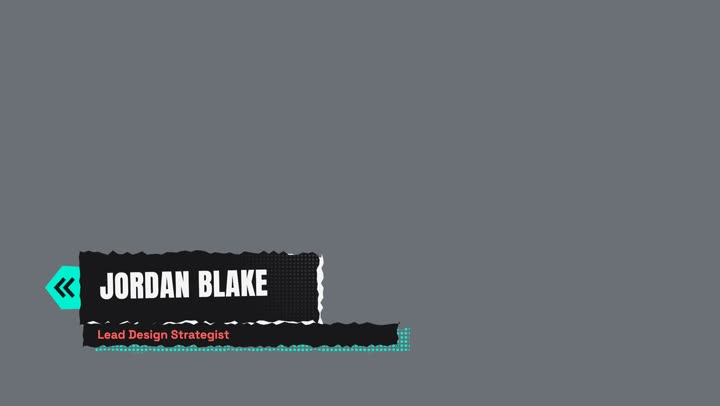
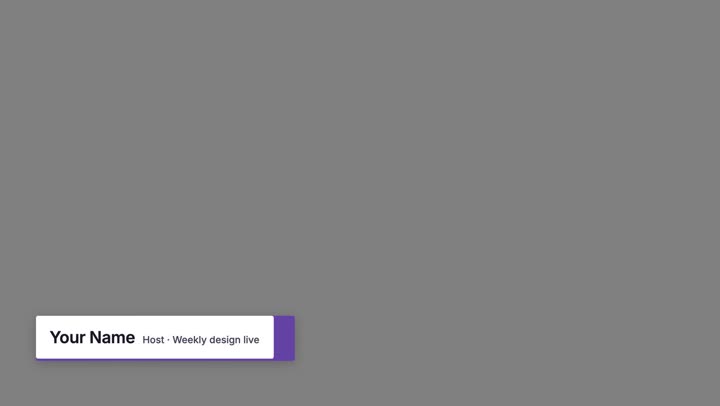
Both films above came from this exact prompt, run once on each model. Try this prompt opens the iArt composer on DeepSeek V4.1 Flash, the lower-cost model; you can switch the model there and edit the words, colours and timings before you run it.