AI B-Roll Generator
Keep talking.
The graphics follow your words.
Upload a video of you talking to camera. iArt transcribes it, decides line by line what the viewer should see, and draws animated b-roll for it: numbers, charts, diagrams and full-screen explainer scenes, timed to the words you say.
What is AI b-roll
B-roll for people
who talk to camera
iArt.ai's AI b-roll generator adds animated b-roll to talking-head videos. You upload a recording of yourself talking to camera; an AI agent transcribes it, then draws numbers, charts, diagrams and full-screen scenes for what you say, timed to your words.
B-roll is what the viewer sees while the main recording keeps going: in a talking-head video, everything that covers or sits on top of you while your voice carries on. Most AI b-roll tools fill that space with stock clips matched to keywords, so "money" gets you coins. iArt draws it from your transcript instead, so a line like "$10,000 at 7% a year for 30 years" becomes a chart of exactly those numbers.
Your recording is never cut, cropped or re-timed. It plays from start to finish underneath, and the graphics are layers on top of it, so your voice, your pauses and your delivery stay exactly as you recorded them.
The same agent also makes animated lower thirds and kinetic typography if you only need a name title or a text-led clip.
New to the format? Read what a talking head video is, or browse 14 b-roll ideas for talking head videos if you are planning b-roll by hand.
How it decides
Every line gets one of three treatments
Before drawing anything, the agent reads your whole transcript and gives each line a treatment, changing only at the end of a sentence or clause, never mid-word.
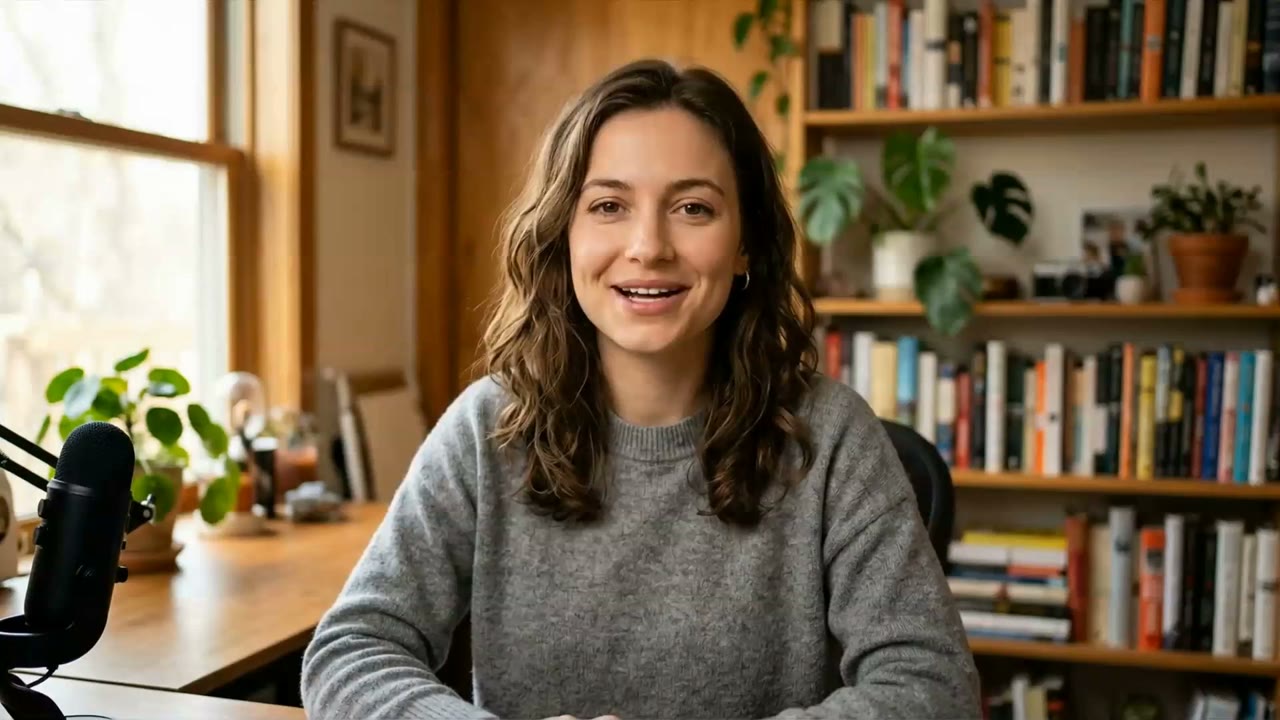
Speaker
Your opening, opinions, stories, the call to action
Just you, nothing on top. The film opens and closes on you, and a stretch of you alone rarely runs past about eight seconds.
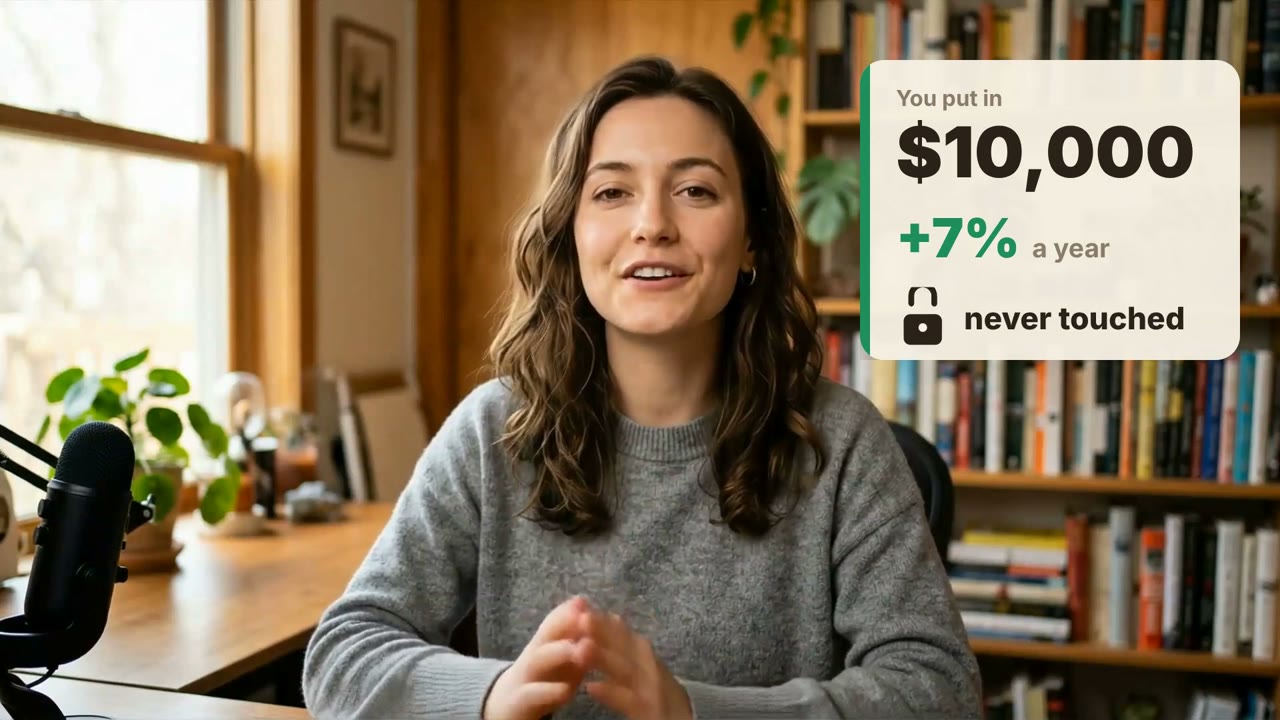
Overlay
One concrete thing worth seeing
You stay in frame while a number, keyword or short list appears toward the edge, away from your face. It enters on the word it illustrates and leaves when the line moves on.
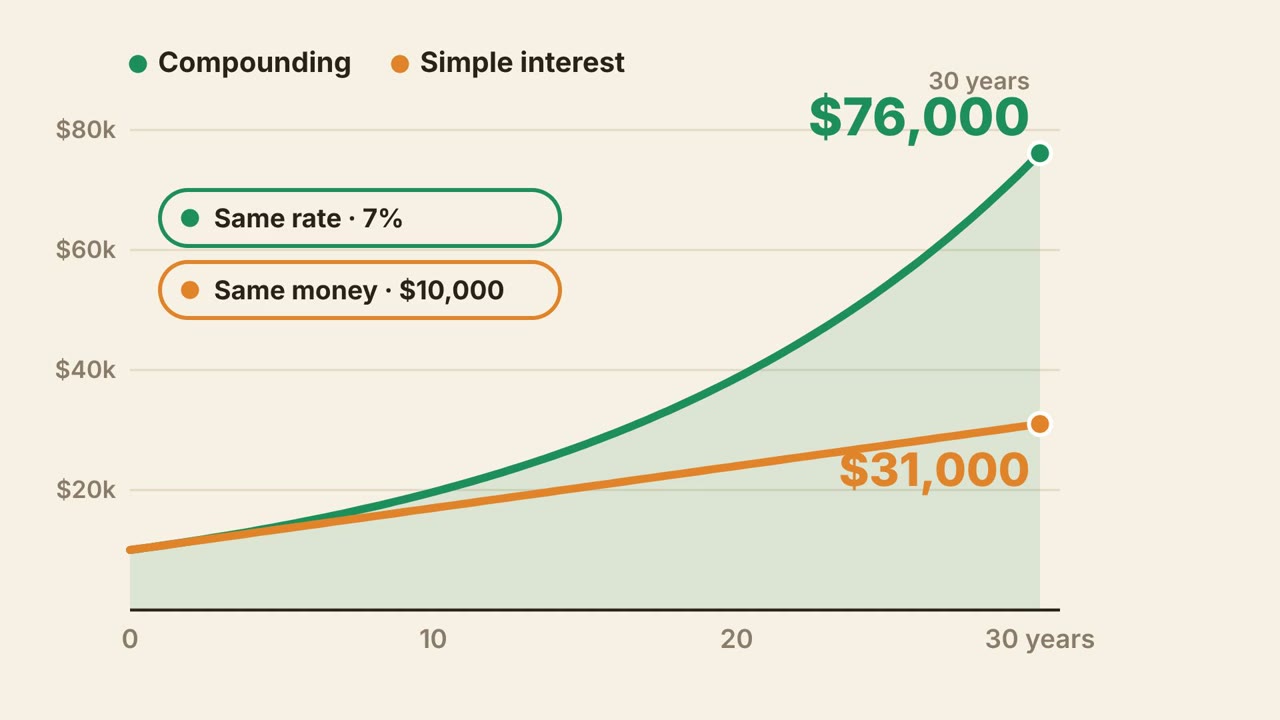
Cover
Numbers, comparisons, steps, how something works
A full-frame animated scene replaces you for a few seconds while your voice carries on. Your video keeps playing underneath, so the sound never breaks.
Full burned-in captions are not added unless you ask for them, and on-screen text is built from your own words and numbers. Graphics default to light surfaces, and the agent picks accent colours that sit well with your footage, so they look like part of the same video rather than a dark template dropped on top.
Before and after
Two uploads, two first results
Each recording was uploaded with the same single line, "Make this talk more engaging to watch." The films below are iArt's first answer, exported as MP4 with no edits.
Her starting amount and rate as an overlay, a growth curve that climbs to her numbers year by year, compounding against simple interest as two lines, and the Rule of 72 built as an equation.
Orbit diagrams for Mars at 1.5 times Earth's distance and the 7–10 month transfer, mission times as bars filling in as he names them, and a flyby arc for the slower route to Jupiter.
Both presenters are AI avatars we generated as sample footage, so we could publish the before and after; your own recording works the same way. The credit shown is what each first generation was charged.
How it works
Upload, ask, export
No timeline and no editing skills needed. You talk to the agent the way you would to an editor.
01
Upload your recording
Attach an MP4, MOV or M4V of you talking to camera. Files over 100MB are compressed in your browser before upload, up to 10 minutes long; Chrome handles this best.
02
Say what you want
"Make this talk more engaging" is enough. Or be specific: which lines to illustrate, your brand colours, whether to add captions. The agent transcribes your video and plans every line before it draws.
03
Watch, refine, export
Play the result in your browser and ask for changes in plain words, like "make the chart bigger" or "no graphics over my intro". Export an MP4 when it is right: 1080p on Pro, 4K on Ultra.
Stock clips or
graphics drawn from your words
Both fill the screen while you talk. Only one can show what you actually said.
Keyword-matched stock footage
The tool picks clips from a stock library that match words in your transcript.
- – Shows the topic, not your point: "7% a year" becomes a clip of coins
- – Cannot chart your numbers or lay out your steps
- – The same clips appear in other creators' videos
- – You still check every cut for mismatches
Motion graphics drawn for each line
An agent writes each graphic as code from your transcript and times it to your words.
- ✓ Charts, counters and diagrams of the exact figures you say
- ✓ Real, typeset text you can change by asking
- ✓ Your recording plays untouched underneath
- ✓ Light surfaces and colours chosen to sit with your footage
- ✓ Refine any scene by describing the change
What is an AI b-roll generator?
An AI b-roll generator adds supporting visuals to a video of someone talking, so the viewer has something to look at besides the speaker. iArt's version transcribes your recording, chooses for each line whether to show you, put a graphic over you, or replace you with a full-screen animated scene, and draws those graphics from what you actually say.
Does iArt use stock footage?
No. Every graphic is generated as code for your video: text, numbers, charts, icons and diagrams. That is why it can show your exact figures and steps, and why there is no stock clip someone else has already used.
What kind of video can I upload?
An MP4, MOV or M4V recording of someone talking to camera. Videos over 100MB are compressed in your browser before upload (to 1080p or less) and can be up to 10 minutes long; Chrome handles the compression best.
Will it cut or change my recording?
No. Your recording stays one continuous video from start to finish. It is never trimmed, cropped, scaled or re-timed. The graphics are layered on top, and full-screen scenes cover it while it keeps playing, so your audio never breaks.
Does it add captions?
Not by default. Overlays show a few key words or numbers, not the whole sentence. If you want full burned-in captions, ask for them when you upload or afterwards in the chat.
Can it get my facts wrong?
It builds on-screen text from your transcript and is told not to invent figures or claims, but like any AI edit it can make mistakes, especially with numbers it derives from what you say. Watch the result before you publish and ask for a fix in the chat if anything is off.
How much does it cost?
New accounts get $2 of free credit to try it, with preview and a share link but no download. Exporting the MP4 needs Pro ($20 a month with $30 of credit, 1080p) or Ultra ($50 a month with $80 of credit, 4K). Each generation is charged by usage; the demos on this page show what their first generation cost.
Have a talking-head video?
Give it b-roll.
Upload the recording, type one line, and watch the first result in your browser.