How to Make a Promo Video with AI (Step-by-Step Guide)

Why Promo Videos Work
A 30-second promo video on your landing page can lift conversions by 80% (Unbounce). Social posts with video get 10x more engagement than static images. The problem: producing a polished promo video traditionally means hiring a motion designer, briefing an agency, or spending hours in After Effects. For most teams, that's too slow and too expensive for every campaign. AI flips the equation — describe what you want and get a finished video in minutes.
What You'll Need
At minimum, just a clear idea of what you're promoting and who you're speaking to. The AI generates the motion graphics, voiceover, and transitions from your text description alone — no storyboarding, no design files, no video editing skills required.
Want to go further? Upload your own assets — logos, product screenshots, brand guidelines — and the AI will incorporate them into the video. This keeps the output on-brand without any manual compositing.
Step 1: Describe Your Promo and Visual Style
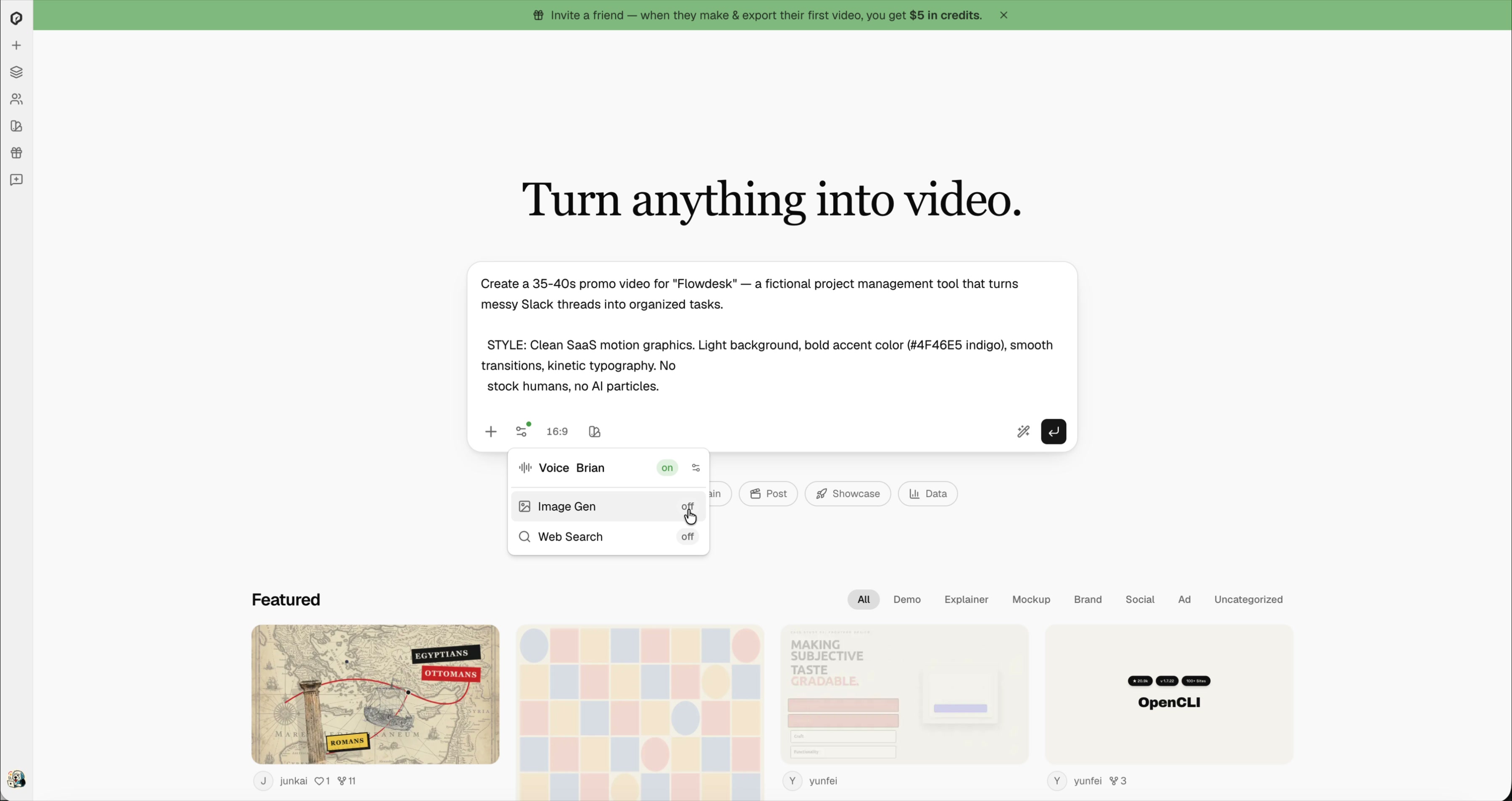
Open iArt.ai and write a prompt describing what you're promoting and the video you want. Be specific about:
- What you're promoting — a product launch, a course, an event, a brand
- Target audience — who should feel spoken to
- Visual style — colors, mood, "clean SaaS" vs "bold and playful"
- Narrative structure — hook → problem → solution → proof → CTA
Toggle Voice on to get AI-generated voiceover narration that syncs with the visuals.
Step 2: AI Generates Voiceover and Visuals
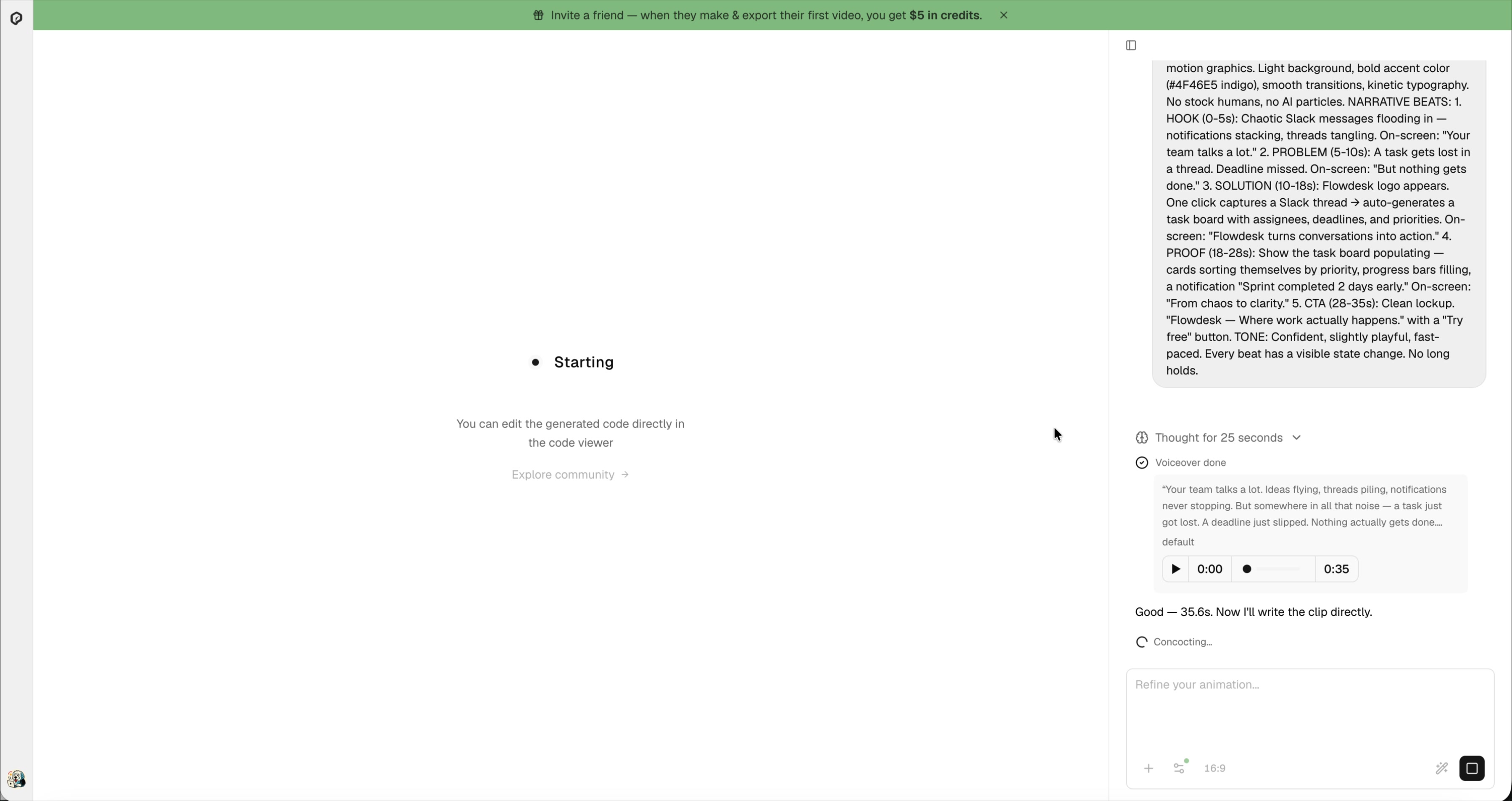
After you submit, the AI works in two phases. First, it writes and records the voiceover script — you can preview the audio immediately. Then it designs the motion graphics scene by scene, syncing animations to the narration timing.
Step 3: Preview the Result
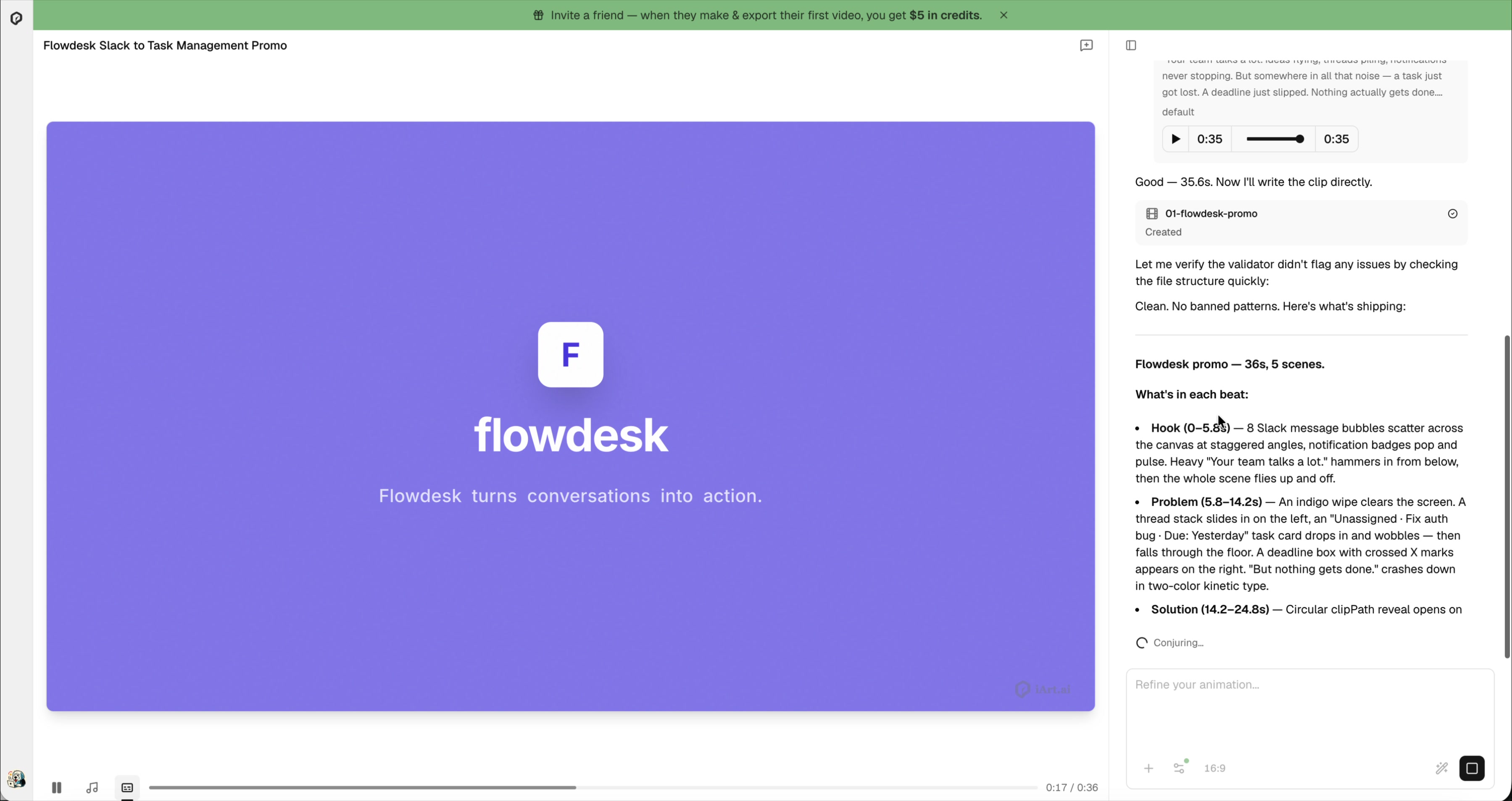
The finished video appears in the editor with a full scene breakdown on the right panel. Each scene has its own timing, copy, and visual description. In this example, the AI created a 36-second, 5-scene promo for a fictional project management tool called "Flowdesk" — complete with animated UI mockups, progress bars, and kinetic typography.
Step 4: Refine with Natural Language
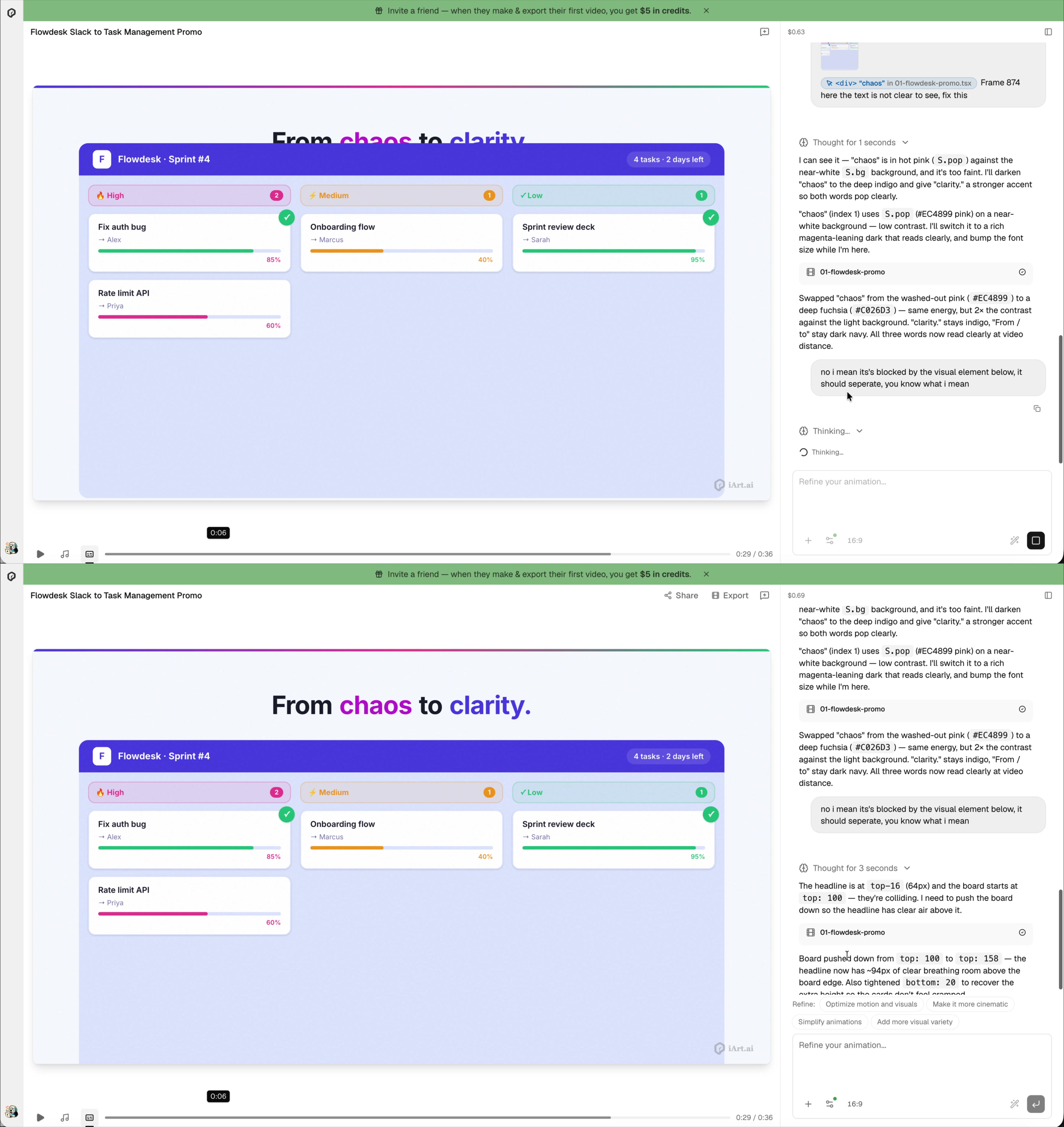
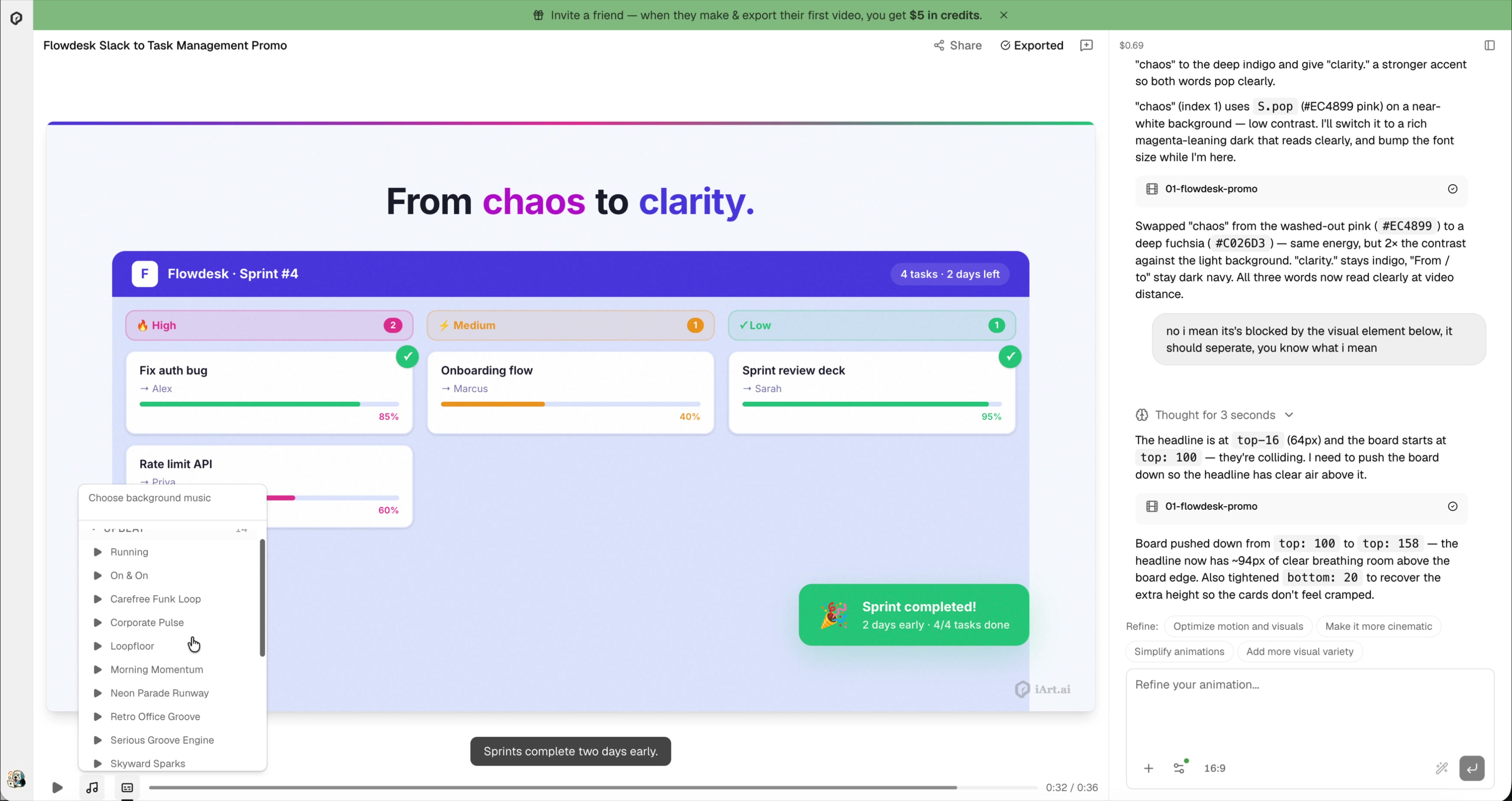
Spotted something off? Don't touch a timeline — just describe what's wrong. In this video, the word "chaos" was hard to read against the background, and the headline was overlapping with the UI board below it. A simple message: "the text is not clear to see, fix this" — and the AI analyzed the contrast issue, changed the color from washed-out pink to deep fuchsia, and pushed the board down so the headline had clear breathing room.
Step 5: Add Background Music
Pick a background music track from the built-in library. Categories include Upbeat, Calm, Cinematic, Dark, and more. The music layer is separate from the voiceover, so you can swap tracks without re-rendering.
Step 6: Set a Cover and Export
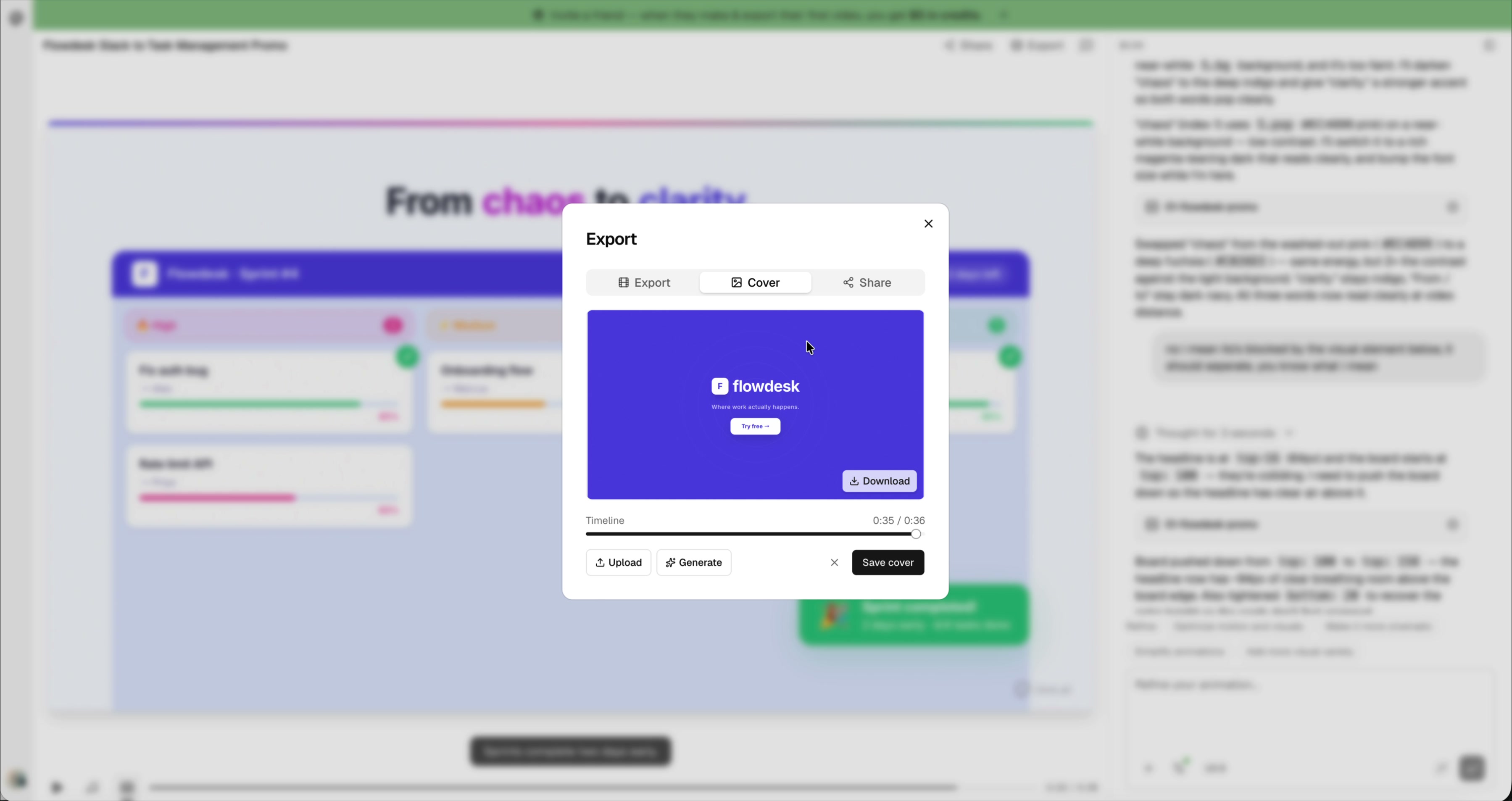
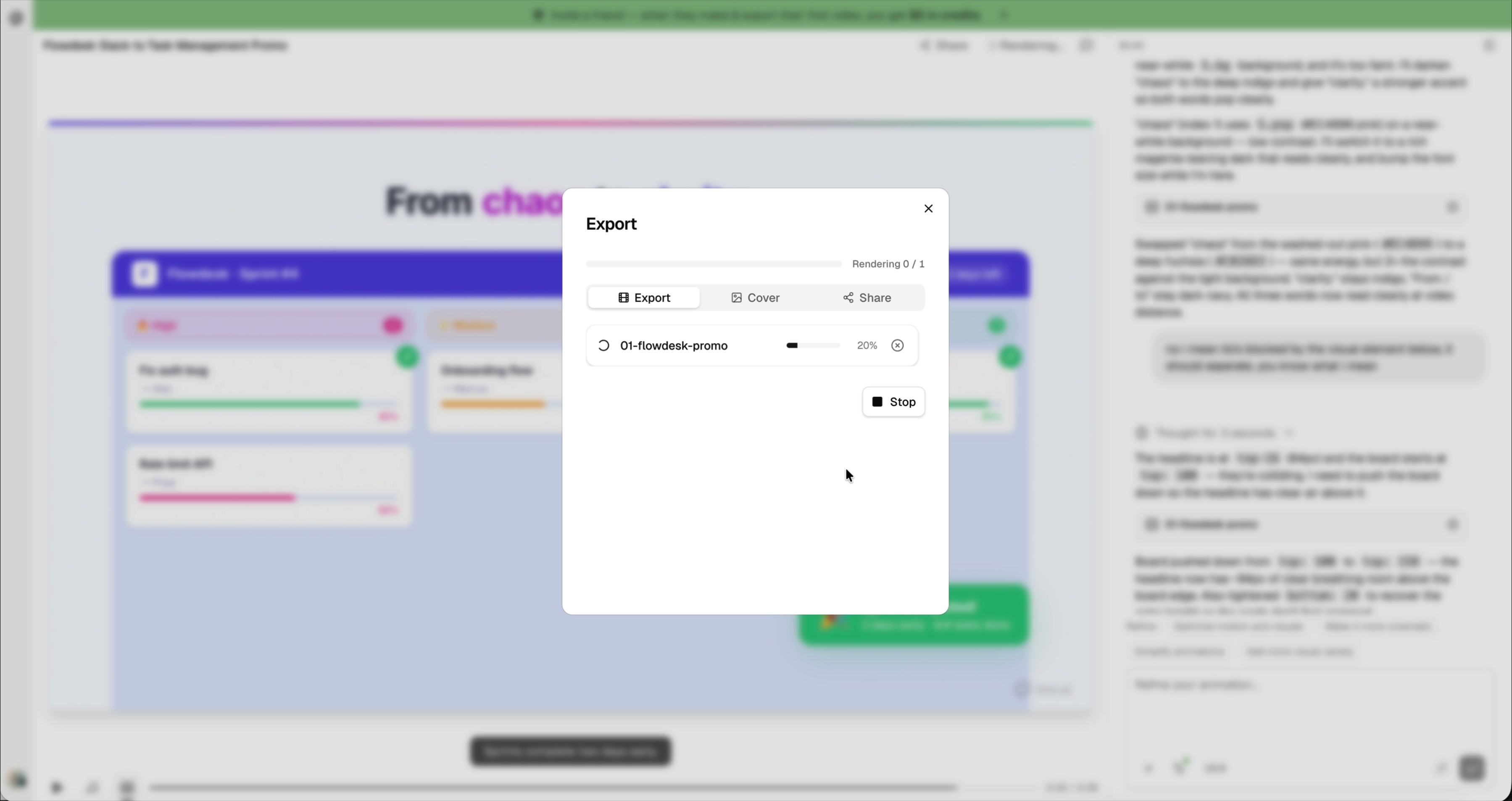
Before exporting, choose a cover frame — this becomes the thumbnail when you share the video. Then hit Export, select your resolution (720p, 1080p, or 4K), and download the MP4. The rendering happens in the cloud and typically finishes in under a minute.
Make Your Promo Video Now
Describe what you're promoting, pick a style, get a professional promo video with voiceover in minutes. Free to start.
Try iArt Free →Prompt Templates You Can Copy
Here are 4 ready-to-use prompts for different promo video scenarios. Copy, replace the bracketed parts with your details, and paste into iArt.
SaaS Product Launch
Create a 35-40s promo video for "[Your Product]" — [one-sentence description].

STYLE: Clean SaaS motion graphics. Light background, bold accent color
([your brand hex]), smooth transitions, kinetic typography. No stock
humans, no AI particles.

NARRATIVE BEATS:
1. HOOK (0-5s): [Pain point visual]. On-screen: "[Pain statement]"
2. PROBLEM (5-10s): [Consequence]. On-screen: "[Escalation]"
3. SOLUTION (10-18s): [Product name] appears. [Key action demo].
   On-screen: "[Value proposition]"
4. PROOF (18-28s): [Show result/output]. On-screen: "[Outcome]"
5. CTA (28-35s): Clean lockup. "[Product] — [Tagline]"

TONE: Confident, slightly playful, fast-paced.
Mobile App Feature Walkthrough
Create a 30s promo for "[App Name]", a mobile app that [what it does].

Show a phone mockup with the app UI. Walk through the key flow:
1. User opens the app and sees [home screen]
2. Taps [feature button] — [what happens]
3. Result: [the value delivered]

STYLE: Minimal, dark background, phone in center frame, UI elements
animate in with smooth slides. Accent color: [hex]. Add voiceover.
E-commerce Product Showcase
Create a 25-30s product showcase video for "[Product Name]" — [category].

STYLE: Premium, clean white background, product-centered.
SCENES:
1. Product reveal with elegant zoom-in
2. Highlight 3 key features with animated callouts
3. Show use case / lifestyle context
4. Price + CTA: "Available now at [store]"

TONE: Aspirational, confident. Background music: upbeat.
Course or Service Promo
Create a 35s promo for "[Course/Service Name]" — [what it teaches/provides].
Target audience: [who].

SCENES:
1. HOOK: "[Frustration the audience feels]"
2. BRIDGE: "What if you could [desired outcome] in [timeframe]?"
3. WHAT YOU GET: Animated list of 4-5 key deliverables
4. SOCIAL PROOF: "[X] students / clients served"
5. CTA: "Enroll now" / "Book a call" with [website]

STYLE: Warm, professional, trustworthy. Use [brand colors].
Tips for Better Promo Videos
- Lead with the pain, not the product — The first 5 seconds should make viewers feel their problem, not see your logo.
- Use scene-by-scene beats — Structure your prompt as numbered scenes with timestamps. The AI follows them precisely.
- Specify what NOT to show — "No stock photos, no abstract particles, no generic AI visuals" keeps the output focused.
- Include brand colors — Give exact hex codes. The AI applies them consistently across scenes.
- Keep it under 45 seconds — Social media and landing page viewers drop off fast. Aim for 30-40s.
- Iterate, don't re-generate — If one scene needs fixing, describe the fix in chat instead of re-running the whole prompt.
FAQ
How long does it take to generate a promo video?
Typically 2-4 minutes from prompt to finished video, depending on length and complexity.
Can I upload my own assets?
Yes. Attach logos, product screenshots, or brand assets to your prompt and the AI will incorporate them into the video, keeping everything on-brand.
What about voiceover — can I use my own voice?
Yes. Upload a short audio sample and iArt clones your voice — then every video uses your actual voice for narration. You can also pick from built-in AI voices if you prefer, or export without voiceover and add your own in post.
Can I use this for client work?
Yes. All Pro plan videos include commercial usage rights — use them in ads, social media, presentations, and client work.
How much does it cost?
iArt is free to start — every new account gets $2 in credits, no credit card required. That's enough to generate and share several videos. Video export is available on paid plans. See pricing for details.
What resolution can I export?
720p, 1080p HD, and 4K Ultra HD. For social media, 1080p is the standard. For large displays or broadcast, use 4K.